













You have a few gigabytes of sales data in a Parquet or comma-separated values (CSV) file and one question to answer. The conventional path asks you to install a database server and define a schema, then load the file before you write a single query. That setup often takes longer than the analysis it enables.
The usual options each carry a real cost. Pandas strains and runs out of memory once the file approaches the limit of your available random-access memory (RAM), and a full client-server database such as PostgreSQL brings setup and administration overhead, along with a network cost you do not want for local analysis.
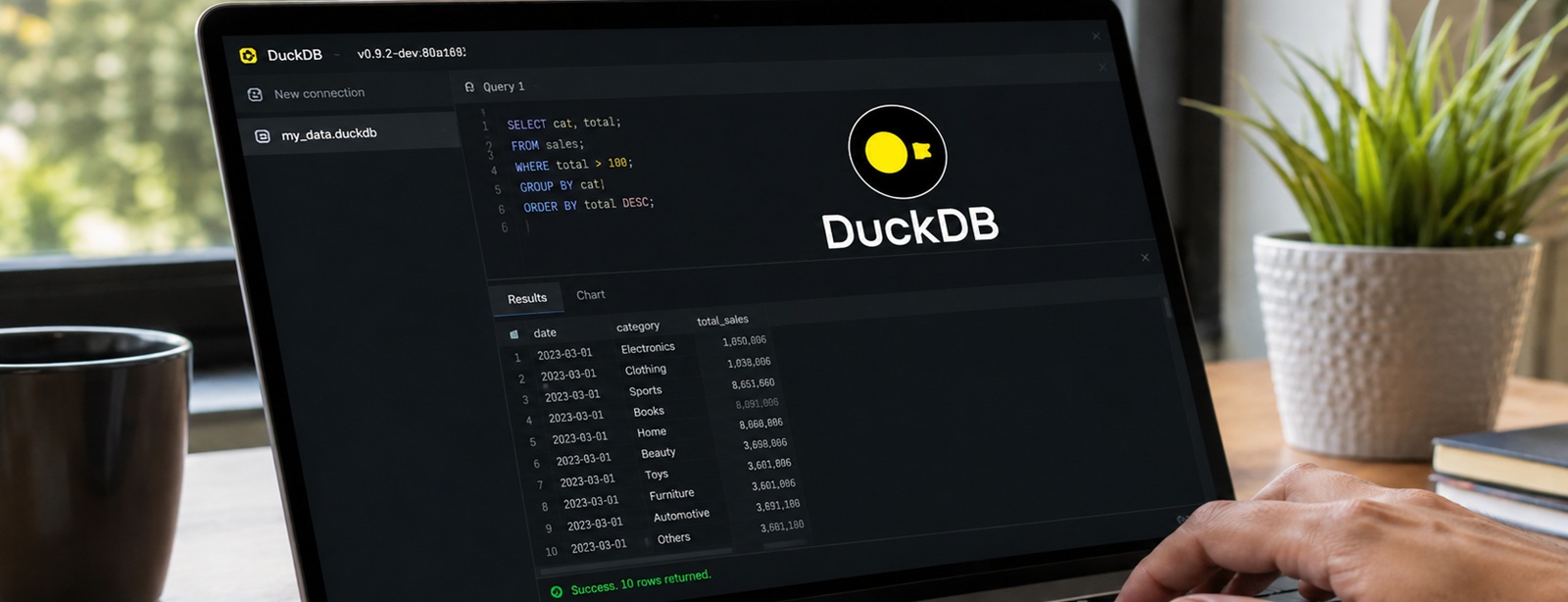
DuckDB eliminates the server entirely. It runs analytical Structured Query Language (SQL) inside your own process and reads files directly from disk, which delivers warehouse-class query speed on a laptop. This article explains what DuckDB is and how it achieves its speed, then covers where it fits your own analytics work.
What Is DuckDB?
DuckDB is an in-process SQL online analytical processing (OLAP) database management system built to run analytical queries quickly while embedded inside another application. It gives you the query power of a relational database without a separate server to install or maintain. OLAP describes the category of workloads defined by large scans and aggregations. These differ from the small, frequent transactions that power an application's day-to-day operations.
The tool is often called the SQLite for analytics, and the comparison is apt. SQLite made a database as simple as a single file that lives inside your application, and DuckDB brings that same simplicity to analytical work that SQLite was never designed to handle.
DuckDB was created in 2018 by the database researchers Mark Raasveldt and Hannes Mühleisen at Centrum Wiskunde & Informatica (CWI) in Amsterdam. It is released under the permissive MIT license and runs on every major operating system. If you want to sharpen the SQL foundation that DuckDB relies on, explore these advanced SQL techniques for data analysis.
The In-Process Model Explained
An in-process database runs inside your application's own process and shares its memory. The database engine becomes part of your code, much like any library you import, with no separate program to connect to over a network.
That definition is easier to grasp against its opposite. A traditional database such as PostgreSQL follows a client-server model, where the database runs as its own process, often on its own machine, while your code sends queries to it across a network connection. That design suits many workloads, and it carries a cost in setup and administration, plus the network hop every query has to make.
DuckDB removes that separation by running inside your Python or R process, which produces a set of concrete advantages:
- No server to manage. There is no separate program to install or maintain, and no connection string to configure.
- No network overhead. Queries never leave your process, so nothing travels across a socket or a network.
- High-speed data access. Because the engine shares memory with your data, it reads that data directly, and in some cases without copying it at all. The DuckDB Python package can query a pandas DataFrame without importing or duplicating a single row.
That last point carries more weight than it first appears. In a client-server setup, moving a large dataset into the database and pulling results back can cost more time than the query itself. DuckDB collapses that round trip, because the data and the engine already share an address space. For interactive analysis, where you run query after query, removing that overhead cuts the wait between each question and its answer.
The contrast with SQLite clarifies the optimization difference. Both are serverless and in-process, and both store a database in a single file. The two optimize for opposite workloads. SQLite uses row-oriented storage tuned for transactional work, the frequent small reads and writes of individual records. DuckDB uses columnar storage tuned for analytical work, the large scans and aggregations that define data analysis.
Three Design Choices Behind the Speed
DuckDB's performance comes from three design choices that work together. Each one addresses a different part of what makes analytical queries slow, and their combination is what lets a single-node tool rival much heavier systems.
| Pillar | What It Does |
|---|---|
| Columnar storage | Stores data by column, so a query reads only the columns it needs and skips the rest |
| Vectorized execution | Processes data in batches called vectors, which uses the central processing unit (CPU) cache well and cuts per-row overhead |
| Multi-core parallelism | Splits work across all available CPU cores through morsel-driven parallelism |
Columnar storage is the foundation. Analytical queries typically touch many rows but only a few columns, so storing each column together means the engine reads only the data the query actually needs. A row-oriented database would read every column of every row, wasting most of that work.
Vectorized execution builds on that layout. Instead of processing one row at a time, DuckDB processes a batch of values in a single operation, which keeps modern CPUs busy and reduces the overhead that accumulates when a system handles data row by row.
Multi-core parallelism completes the trifecta. DuckDB divides a query into small units of work and distributes them across every available core, an approach its designers call morsel-driven parallelism. A modern laptop with eight or more cores can therefore bring its full processing power to a single query, which is a large part of why DuckDB performs well on hardware that analysts already own. The design rationale behind these choices is documented by the DuckDB team.
One common misconception is worth correcting. DuckDB is not limited to data that fits in memory. Its buffer manager can spill intermediate results to disk, which lets it process datasets far larger than the available RAM. You are not capped by the size of your machine's memory, which matters when a dataset is larger than your laptop but smaller than a cluster would justify.
What DuckDB Does Well
DuckDB's capabilities center on reducing complexity in data access. The features below are the ones you will use most as an analyst.
- Query files directly. DuckDB reads Parquet and CSV files, along with JavaScript Object Notation (JSON), as if they were tables, so you can run SQL against a file with no import or loading step.
- Query DataFrames in place. It executes SQL over pandas and Polars DataFrames through shared Arrow memory, without copying the data.
- Full SQL support. DuckDB implements complex joins and window functions alongside subqueries, so you can express sophisticated analysis in standard SQL.
- Portability. The database is a single file you can move and share, or place under version control. DuckDB itself runs on every major operating system, and even inside a web browser through WebAssembly.
That combination lets DuckDB stand in for several heavier tools at once. For an analyst working primarily in SQL, it enables efficient analytics on a laptop. For a broader look at when SQL is the right instrument for a task, this comparison of SQL and Excel for data analysis maps the trade-offs.
A Query, Start to Finish
The clearest way to see the value is a query that would normally require a loaded database. With DuckDB, the file itself becomes the table you query:
SELECT category, COUNT(*) AS orders, SUM(amount) AS revenue

FROM 'sales.parquet'

GROUP BY category

ORDER BY revenue DESC;
There is no server running behind this query, and no step that loads the file into a table first. DuckDB scans the Parquet file in place and returns the aggregated result.
The Python integration is just as direct. You can query a DataFrame already in memory as though it were a database table:
import duckdb

result = duckdb.sql(
                        "SELECT * FROM my_dataframe WHERE amount > 1000"
)
The DataFrame never leaves your process, and DuckDB never copies it. You get SQL expressiveness over data you were already holding in Python, with none of the transfer overhead that a separate database would impose.
Knowing When to Use It, and When Not To
DuckDB fits a specific and common shape of problem. Knowing where that shape ends is as valuable as knowing where it begins.
Reach for DuckDB when your work matches these conditions:
- Your analytics run on a single node. Local analysis on one machine is DuckDB's home ground.
- Your data ranges from megabytes to hundreds of gigabytes. This band covers a large share of real analytics work, and DuckDB handles it comfortably.
- You read from files. Formats such as Parquet and CSV, along with JSON, play directly to its strengths.
- You work interactively. Notebook exploration and rapid iteration benefit from the fast response time from the embedded engine.
Look to other tools when the problem changes shape:
- You run high-volume transactional writes. Frequent small updates are online transaction processing (OLTP) work, where PostgreSQL or SQLite is the right choice.
- You process true multi-terabyte data across a cluster. Distributed systems such as Apache Spark exist for that scale.
- You need many simultaneous writers. DuckDB uses a single-writer model, which is a deliberate trade-off for single-node speed.
The honest framing matters here. DuckDB does not replace Spark or a cloud warehouse, and it does not try to. It complements them by removing overhead for the large share of analytics jobs that run on tens of gigabytes, well short of the terabyte scale those systems target.
DuckDB in the Modern Analyst's Toolkit
The rise of in-process analytics reflects a change in hardware. A modern laptop or cloud instance now offers substantial memory and many CPU cores, which makes single-node processing viable for jobs that once seemed to demand a cluster. In many analytical workloads, the complexity of the surrounding systems formed the bottleneck more often than raw compute did.
DuckDB sits comfortably alongside the other tools in a modern analyst's stack. It pairs naturally with Polars and pandas, and because all three build on the Apache Arrow columnar format, data moves between them with little cost. A common pattern uses a DataFrame library for transformation-heavy preparation, then hands the prepared data to DuckDB for the SQL-based joins and aggregations that follow. The handoff happens through shared memory, so neither tool pays a serialization penalty.
This interoperability is what keeps DuckDB from being yet another silo. You are not forced to choose between SQL and a DataFrame application programming interface (API), because you can use each where it reads most naturally and pass data between them freely. For the joins and aggregations that SQL expresses cleanly, DuckDB is the better instrument. For the column-level logic and feature engineering that suit a DataFrame, Polars or pandas takes over.
Fluency with engines like DuckDB has become part of the contemporary data analyst's skill set. The Associate Big Data Analyst (ABDA™) and Senior Big Data Analyst (SBDA™) certifications demonstrate that wider capability, covering the ground from SQL and data manipulation to the judgment of choosing the right tool for a given task.
Conclusion
DuckDB removes the operational tax that analytical SQL usually carries. It works as an embedded engine that queries your files where they sit, returning results at a speed that once required a dedicated server, all without asking you to install or administer anything.
That combination suits local analytics that stays on one machine. DuckDB will not replace your warehouse for petabyte workloads or your transactional database for high-volume writes, and it does not need to. For the everyday work of querying a few gigabytes of data and getting an answer quickly, it removes the friction that stood between you and the result.